
Darkside Mobile App
App for Convenient and Secure Signing of Transactions and Documents
(Cyber Security, B2B, SaaS)


During the redesign of our Finance App, we reimagined its structure and updated the intuitive user interface to streamline electronic signatures. The new navigation system enables users to quickly and easily verify transaction details, making the app extremely user-friendly. This comprehensive upgrade has already received high praise from leading banks, which are actively integrating the app into their digital services. The refreshed design not only enhances the visual aesthetics but also significantly improves the security and efficiency of digital transactions. Let’s see my journey!
Background
Previously, the app suffered from an unclear and unstable design characterized by chaos and a lack of clear structure. Numerous UX errors, minimal attention to the visual aspects, and technical limitations made the app extremely complex and confusing. Developed by engineers for engineers, it overlooked the needs of the end user, exacerbating issues in navigation and functionality.
Users struggled to understand the interface, leading to frequent errors and a slowdown in workflow. The absence of a systematic design approach rendered the app unstable and prone to failures, complicating its development and integration with other services. Addressing these challenges required tackling design flaws while simultaneously conducting user research to identify the key pain points.

Concept
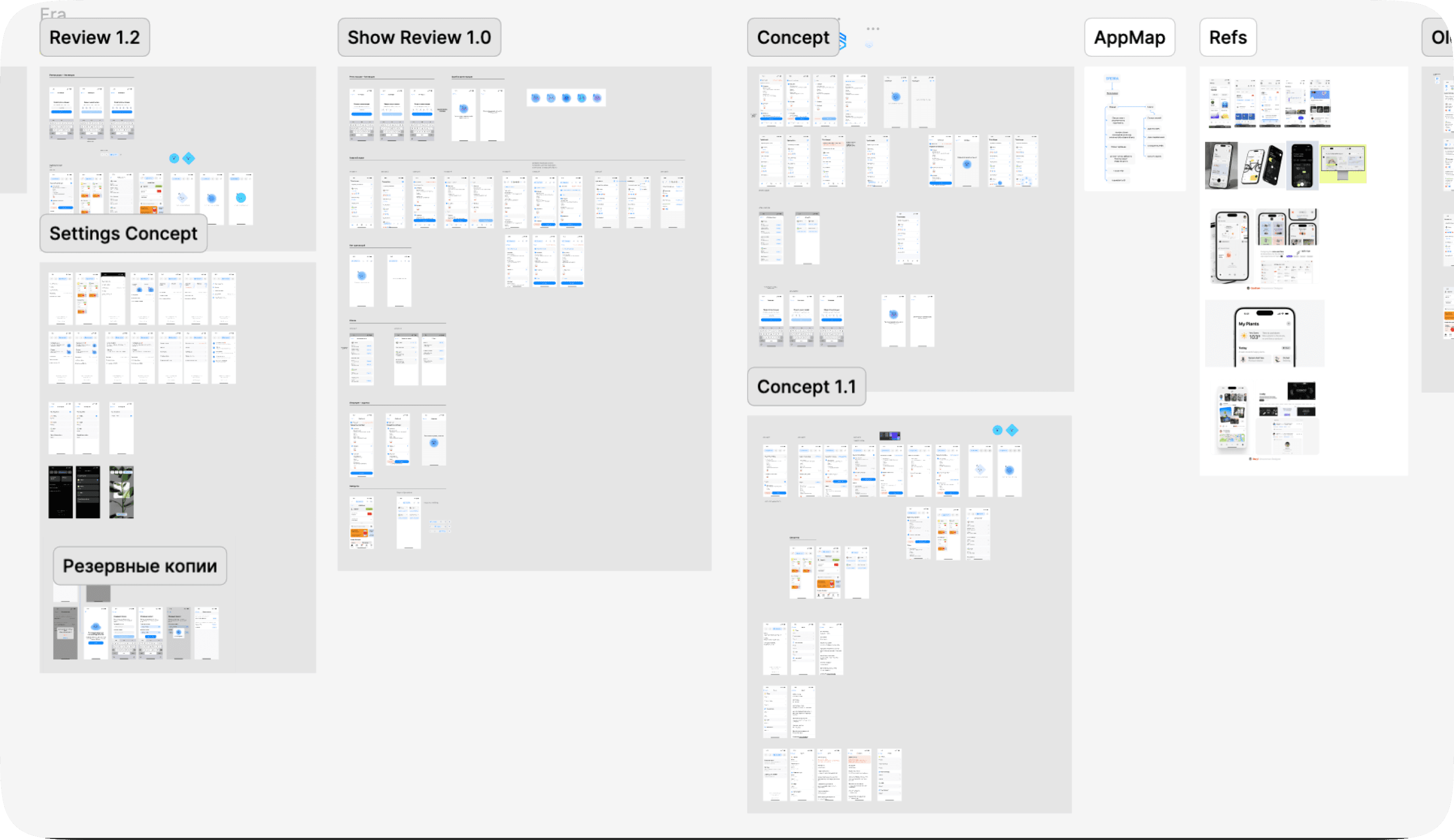
The first phase is focused on navigating the complexity of the problem, aiming to define the challenge and explore solutions collaboratively. I engaged the entire team to discuss potential solutions that would ensure the app remains secure and user-friendly, meeting the needs of clients who use it for signing documents and confirming bank transactions.
This phase combines thorough research with hands-on experimentation using tools like writing, coding, sketching, Figma, while also addressing features such as the simple creation of cryptographic keys in a few steps, saving essential settings in user profiles, and supporting multiple bank profiles for administrators. Easily sign documents using crypto-keys right from the first page of the application. By iterating on these ideas and sharing progress openly, we built a solid understanding of the problem, setting the stage for a solution that prioritizes security and convenience.
I also refreshed the app's branding and decided to add a small assistant who is always by your side.

Implementation
Implementation started with exploring and testing several design variants across different screens to identify the most optimal approach. I thoroughly evaluated usability and compared our new solutions to the previous version, deciding to consolidate all key functions into a top tabbar for faster and more convenient access. This adjustment ensures that users can navigate between different functionalities without confusion, especially when bank apps come with their own native tabbars.
Transactions
On the key management screen, we integrated a special QR code system that automatically generates a key, seamlessly tying this feature into the overall app logic. In contrast to the previous version, all major and necessary functions were migrated to the tabbar, leaving the main screen uncluttered and focused on transaction management.


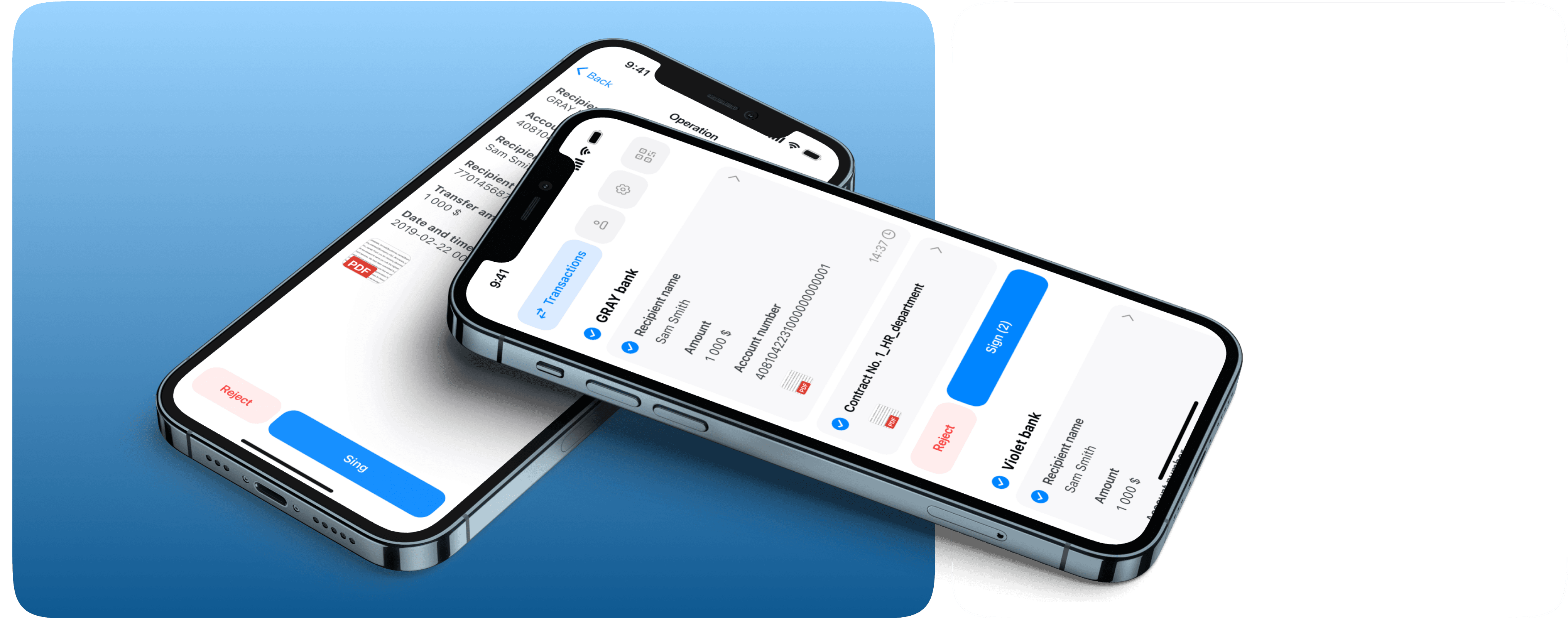
The main screen now displays all transactions immediately for simplicity and convenience, and it was redesigned to enable signing documents and confirming transactions in just a couple of clicks, significantly reducing the number of interactions and saving valuable time.


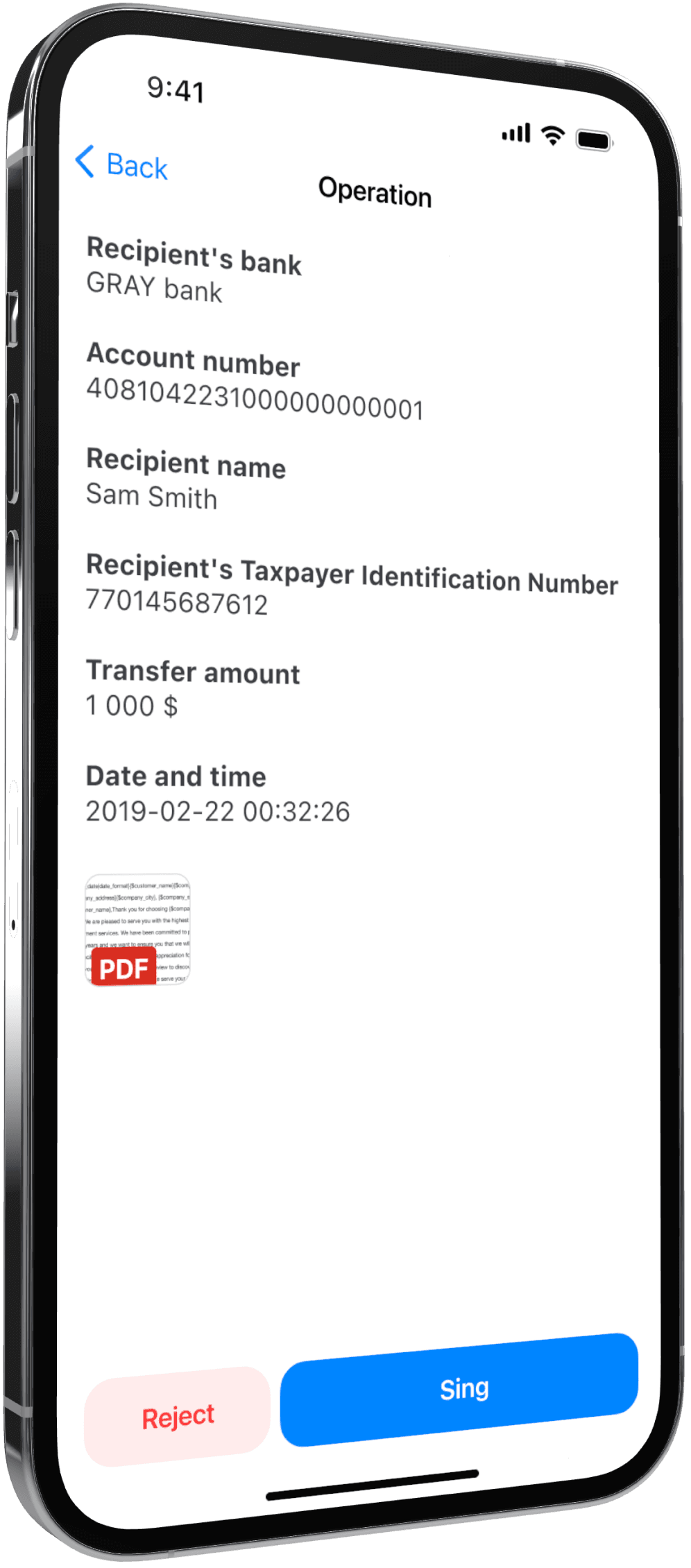
For advanced key operations, features like viewing, deleting, or changing the key password were moved to the settings, as these are not essential on the main screen for everyday use.
Additionally, I developed a dedicated registration process for personal accounts and signing keys, ensuring robust security from the start.

This comprehensive implementation phase allowed us to blend rapid iteration with real data, continuously refining the design to meet user needs effectively.
Polish
With the implemented solution, separate hypotheses and features come together to form a cohesive user journey. I conducted thorough usability tests and in-depth user interviews to uncover pain points and gather direct feedback from real users.
Based on the insights from these sessions, I identified and fixed several weak points in the interface. By removing unnecessary steps in the operation process, the app now offers a faster and more intuitive experience. Throughout this stage, I worked closely with both the frontend and backend development teams, ensuring that every improvement was executed promptly and the overall stability of the app was enhanced. This approach has resulted in an interface that is not only simple and efficient but also consistently aligned with our users’ expectations.

Conclusion
In summary, we now have an app that is highly convenient for internal use by bank employees. The update has increased user loyalty and attracted new clients who are eager to implement this system within their organizations. Additionally, the improvements have caught the attention of new investors, paving the way for further product development and growth.
Thanks for watching!